Tree
A hierarchy opened one level at a time — branches that expand and collapse, with optional selection.
Installation
Tree ships with the library — install it once, then import:
import { Tree } from "@delacour/react-native-ui/tree";Or copy the source into your project, to own and edit it:
bunx delacour@latest add treeUsage
import { Tree } from "@/components/ui/tree";
import { useState } from "react";
import { View } from "react-native";

export default function Example() {
  const [selected, setSelected] = useState<string | null>(null);

  return (
    <View className="flex-1 justify-center p-4">
      <Tree selectionMode="single" value={selected} onValueChange={setSelected}>
        <Tree.Item value="src">
          <Tree.Trigger>src</Tree.Trigger>
          <Tree.Group>
            <Tree.Item value="src/index.ts">
              <Tree.Trigger>index.ts</Tree.Trigger>
            </Tree.Item>
          </Tree.Group>
        </Tree.Item>
        <Tree.Item value="package.json">
          <Tree.Trigger>package.json</Tree.Trigger>
        </Tree.Item>
      </Tree>
    </View>
  );
}
Items nest by being written inside a Tree.Group; each reads its depth from the groups around it,
so there is no level prop. An item with a Tree.Group among its direct children is a branch.
Single selection
selectionMode="single" selects the pressed row. With expandOnPress={false} only the chevron opens
a branch, so a branch can be selected without opening it. Pressing the selected row keeps it selected.
<Tree selectionMode="single" expandOnPress={false} value={selected} onValueChange={setSelected}>
  …
</Tree>
Multiple selection
selectionMode="multiple" toggles each row in a flat set — selecting a branch does not select its
children. Draw a check from useTreeItem() rather than nesting a control in the row.
function Check() {
  const { isSelected } = useTreeItem();
  return <Icon icon={isSelected ? IconCheckCircle2 : IconCirclePlaceholderOn} />;
}

<Tree selectionMode="multiple" value={selected} onValueChange={setSelected}>
  <Tree.Item value="email">
    <Tree.Trigger>
      <Tree.Icon><Check /></Tree.Icon>
      <Tree.Label>Email</Tree.Label>
    </Tree.Trigger>
  </Tree.Item>
</Tree>
Guide lines
hasLines draws a hairline down every open group, under its branch's chevron.
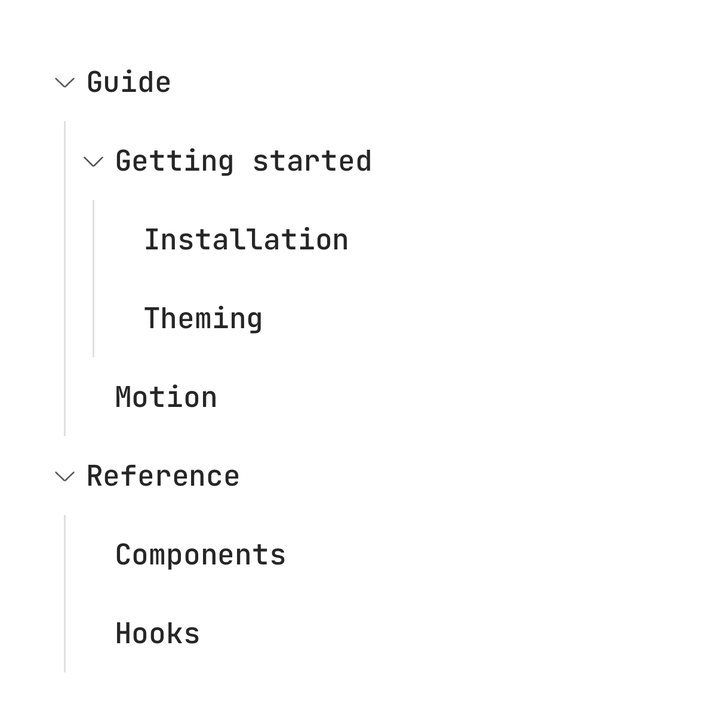
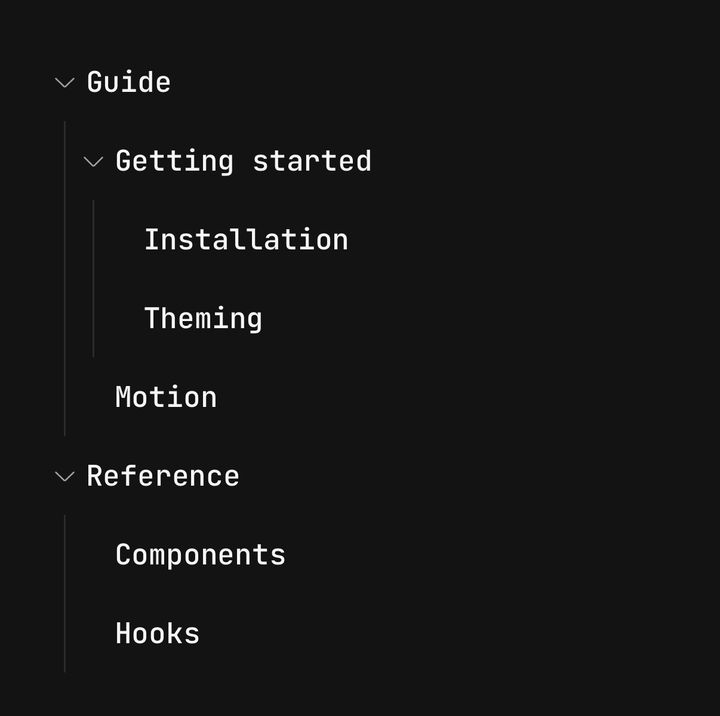
<Tree hasLines defaultExpanded={["guide"]}>…</Tree>Sizes
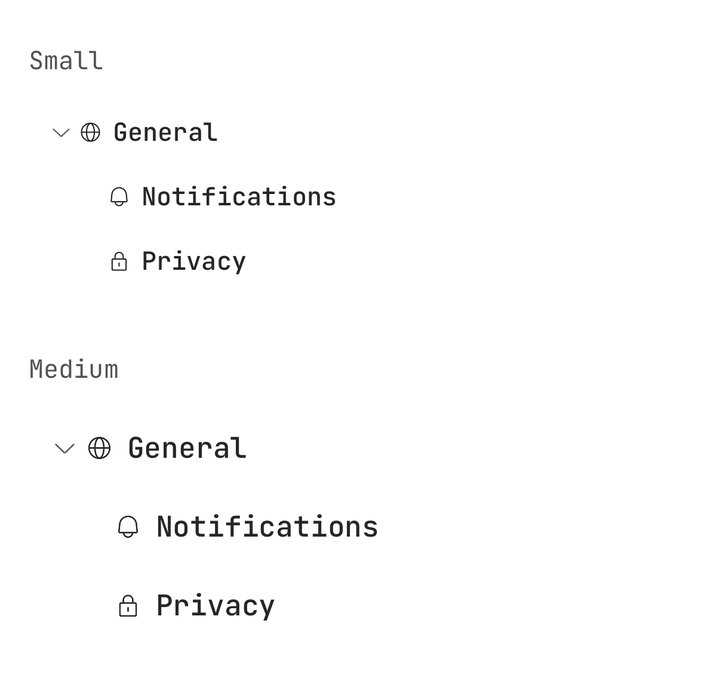
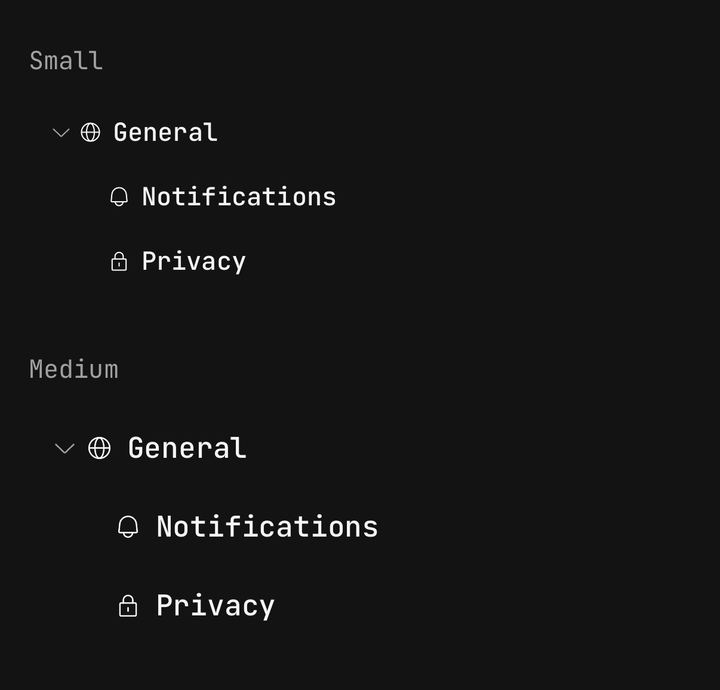
<Tree size="sm">…</Tree>
<Tree size="md">…</Tree>
Icons and actions
Tree.Icon leads the row and an Icon inside inherits its size and colour. Tree.Actions trails it,
outside the row's tap target, so a button there is pressed on its own.
<Tree.Trigger>
  <Tree.Icon><Icon icon={IconFolder1} /></Tree.Icon>
  <Tree.Label>src</Tree.Label>
  <Tree.Actions><Badge size="sm">3</Badge></Tree.Actions>
</Tree.Trigger>
Lazy loading
hasChildren marks a node a branch before its Tree.Group exists, so the chevron shows from the
start. Fetch the children in onExpandedChange.
<Tree onExpandedChange={(_, { value, isExpanded }) => isExpanded && load(value)}>
  <Tree.Item hasChildren value="auckland">
    <Tree.Trigger>Auckland</Tree.Trigger>
    {children.auckland ? <Tree.Group>…</Tree.Group> : null}
  </Tree.Item>
</Tree>
Controlled expansion
expanded and onExpandedChange hold the open branches, so a button outside the tree can open or
close them all.
const [expanded, setExpanded] = useState<readonly string[]>([]);

<Button onPress={() => setExpanded(["animals", "plants"])}>Expand all</Button>
<Tree expanded={expanded} onExpandedChange={setExpanded}>…</Tree>
A closed Tree.Group unmounts, which keeps a tree of a few hundred rows cheap. The tree is not
virtualised: for thousands of visible rows, flatten it into a list.
Reading the tree's state
Use useTree() for the tree's selection and expansion, and useTreeItem() for one node's
settled state — its level, isBranch, isExpanded and isSelected.
import { useTree, useTreeItem } from "@delacour/react-native-ui/tree";API Reference
Anatomy
| Part | What it is |
|---|---|
Tree | Owns the expanded set, the selection and the shared axes |
Tree.Item | One node — its row and, while open, its group |
Tree.Trigger | The row. Bare text becomes a label; an indicator is composed in |
Tree.Indicator | The chevron. Always toggles; a same-width spacer on a leaf |
Tree.Icon | The leading glyph |
Tree.Label | The node's name, and its accessible name |
Tree.Actions | Trailing content, outside the row's tap target |
Tree.Group | A branch's children, mounted only while it is open |
Tree
Extends ViewProps.
Prop
Type
Tree.Item
Extends ViewProps.
Prop
Type
A branch is found from a Tree.Group among the item's direct children. A group behind a wrapper
component of your own is not seen — pass hasChildren then.
Tree.Trigger
The row's body is a Pressable, so feedback, haptic and the rest are inherited — see
Pressable. className styles the outer row; every other prop
reaches the pressable. onPress runs after the tree's own toggle and selection.
Prop
Type
Tree.Indicator
Prop
Type
Tree.Icon, Tree.Actions and Tree.Group
Each extends ViewProps.
Prop
Type
Tree.Label
Extends Text's preset props, with its size step taken from the tree's. One line by default.
Prop
Type
Exports
import {
  Tree,
  type TreeProps,
  type TreeSelection,
  TREE_SIZES,
  TREE_SELECTION_MODES,
  useTree,
  useTreeItem,
} from "@delacour/react-native-ui/tree";