Map
Places and paths on a themed map — markers, labels, popups, routes, arcs and controls, on MapLibre.
Installation
Map ships with the library — install it once, then import:
import { Map } from "@delacour/react-native-ui/map";Or copy the source into your project, to own and edit it:
bunx delacour@latest add mapRebuild the dev client
@maplibre/maplibre-react-native is a native module, so after installing, add its config plugin and
rebuild the dev client (npx expo run:ios, or an EAS development build). It does not run in Expo Go.
No API key is needed on either platform.
plugins: ["@maplibre/maplibre-react-native"],Usage
import { Map } from "@/components/ui/map";
import { View } from "react-native";

export default function Example() {
  return (
    <View className="flex-1 justify-center p-4">
      <Map center={[174.776, -41.286]} className="h-96" zoom={13}>
        <Map.Marker accessibilityLabel="Museum" lngLat={[174.782, -41.2905]}>
          <Map.Pin />
          <Map.Label>Museum</Map.Label>
        </Map.Marker>
        <Map.Controls />
      </Map>
    </View>
  );
}
Anatomy
<Map ref={ref} center={center} zoom={12}>
  <Map.Marker lngLat={lngLat}>
    <Map.Popup title="…" />
    <Map.Pin />
    <Map.Label />
  </Map.Marker>
  <Map.Route coordinates={path} />
  <Map.Arc from={from} to={to} />
  <Map.Controls />
  <Map.UserLocation />
</Map>
Coordinates are [longitude, latitude] everywhere — GeoJSON's order, so a coordinate copied from a web
map lands in the right hemisphere.
Initial view and the ref
center, zoom and bounds set the view the map opens on; changing them later does not move it. The
ref moves the camera, and useMap() hands the same handle to anything inside the map.
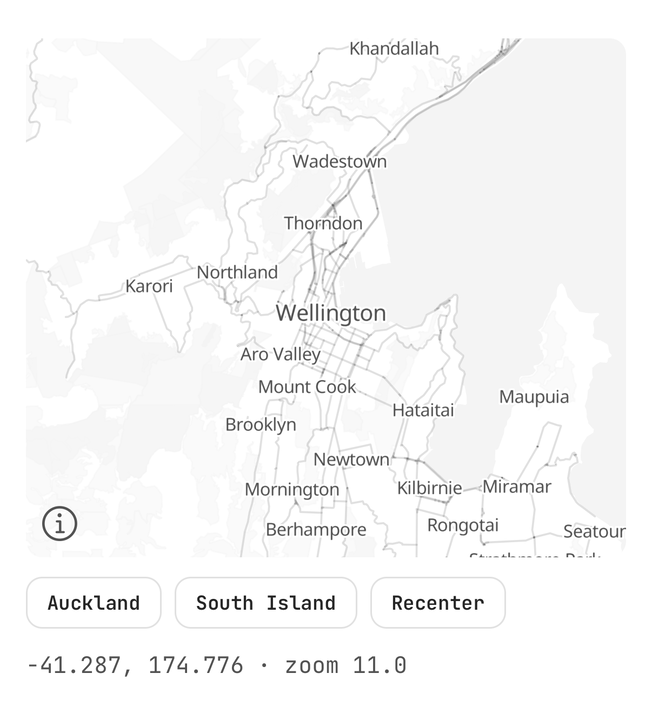
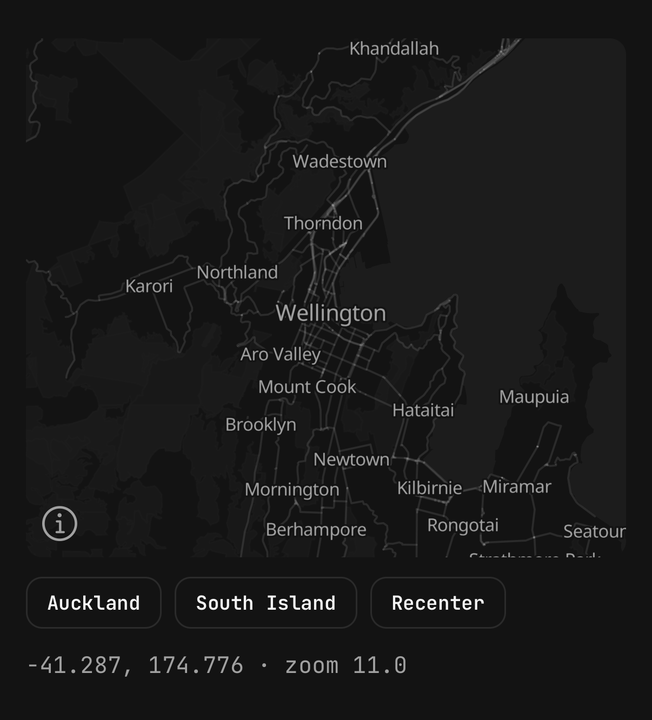
const ref = useRef<MapHandle>(null);

<Map center={wellington} ref={ref} zoom={11} />

ref.current?.flyTo({ center: auckland, zoom: 12 });
ref.current?.fitBounds([166.3, -46.7, 174.4, -40.4], { padding: 40 });
ref.current?.recenter();
Markers and labels
A marker is a React view on a coordinate, and it anchors on its pin's tip, so a label under the pin moves
nothing. Give it onPress and it becomes a button.
<Map.Marker accessibilityLabel="Museum" lngLat={museum} onPress={() => setSelected("museum")}>
  <Map.Pin tone="primary" />
  <Map.Label>Museum</Map.Label>
</Map.Marker>
Popups
A themed card over the marker's pin — write it before the pin. It holds no open state: render it while
the place is selected. Outside a marker it needs its own lngLat.
<Map.Marker accessibilityLabel="Corner café" lngLat={cafe} onPress={() => setOpen(true)}>
  {open ? (
    <Map.Popup title="Corner café">
      <Text.Caption>Open until 6 pm</Text.Caption>
    </Map.Popup>
  ) : null}
  <Map.Pin />
</Map.Marker>
Routes and arcs
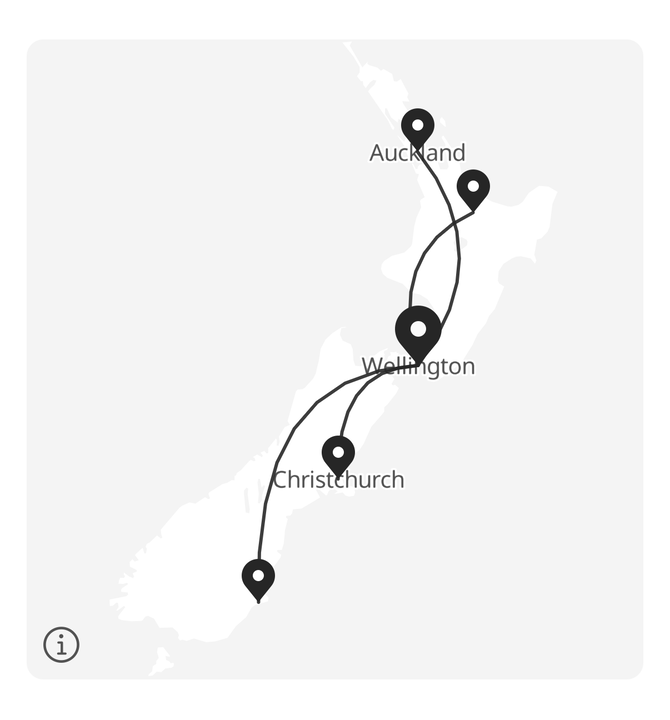
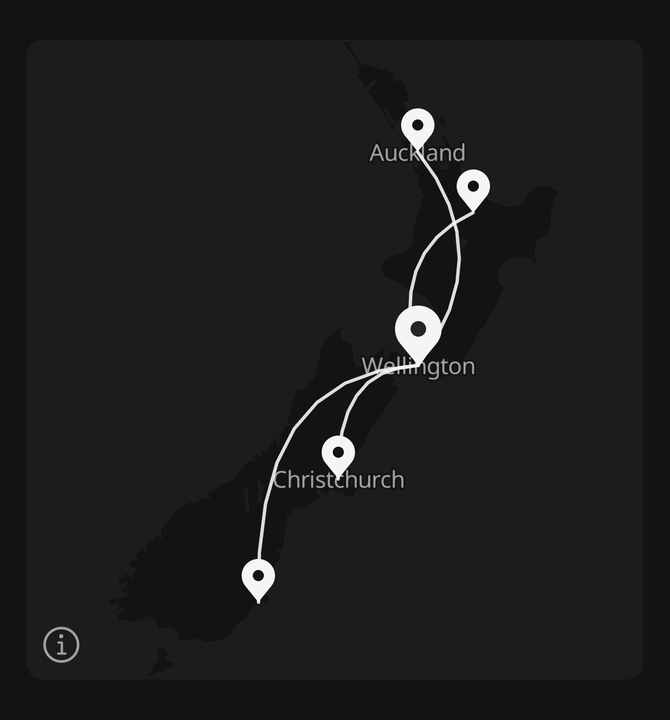
A route is a line through a list of coordinates; an arc is a curve between two points, for a connection
rather than a path. Both are the theme's primary unless given a colour.
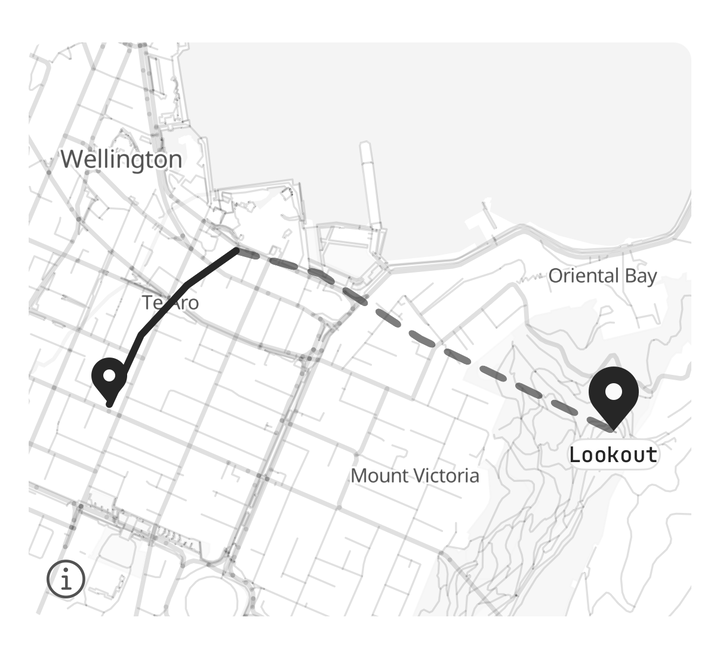
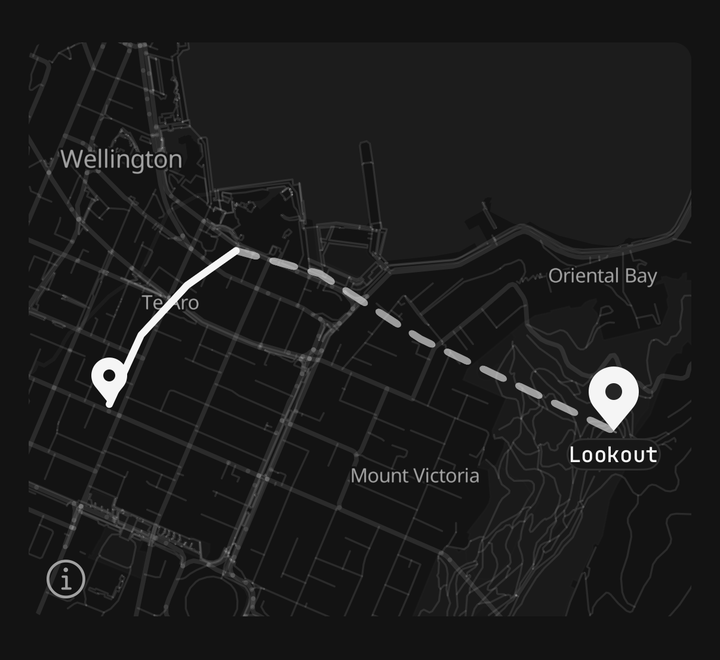
<Map.Route coordinates={walked} width={4} />
<Map.Route coordinates={ahead} isDashed opacity={0.6} />
<Map.Arc curvature={0.25} from={wellington} to={auckland} />
Controls and location
Zoom, compass, recenter and locate buttons, floated in a corner. Locate and Map.UserLocation turn on the
map's location updates, which ask for location permission the first time. The dot is drawn in the theme's
primary, ringed in background.
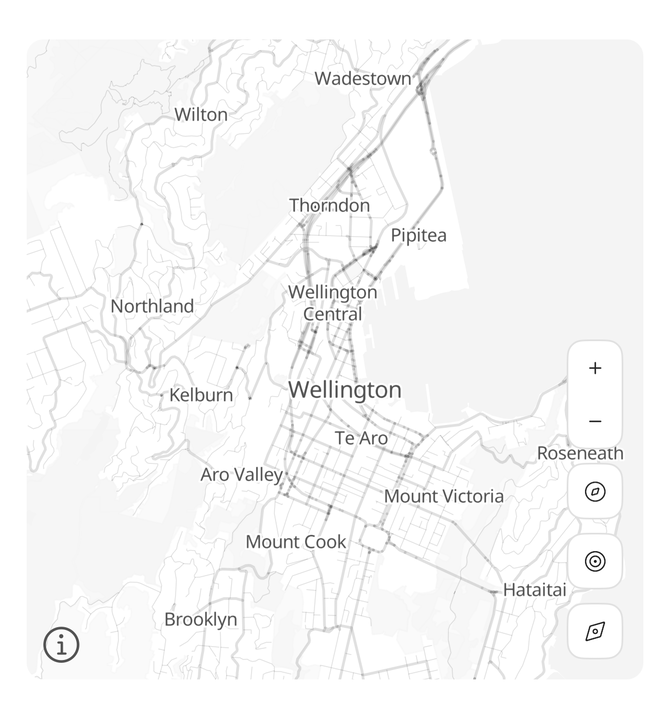
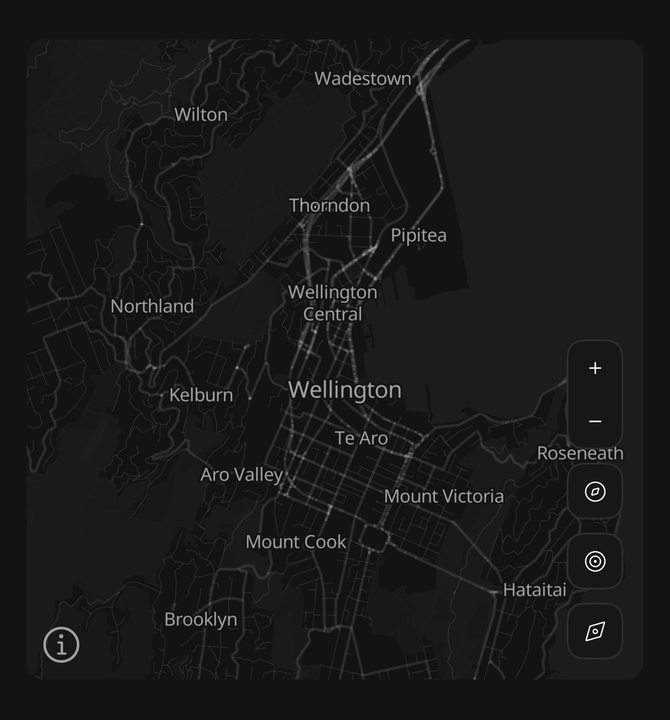
<Map.Controls corner="bottom-right" showCompass showLocate showRecenter />
<Map.UserLocation showsHeading />
On iOS, location needs NSLocationWhenInUseUsageDescription in ios.infoPlist. Without it the
permission prompt never appears and the dot never shows.
Theming
The basemap is painted from the theme's tokens on both platforms — land background, water and parks
muted, roads and buildings border, labels muted-foreground haloed in background. Retune the theme
and the map follows, light and dark included; it reads the app's active theme, never the system's.
The tiles are OpenFreeMap's OpenStreetMap vector tiles: free, with no key. The data is © OpenStreetMap contributors, so the map keeps its attribution button, bottom left.
To use your own tiles — any OpenMapTiles-schema source, such as MapTiler — build the same themed style on them, or pass any MapLibre style:
import { useThemeColor } from "@/hooks/use-theme-color";
import { buildMapStyle, Map } from "@/components/ui/map";

function StoreMap() {
  const style = buildMapStyle(
    {
      background: useThemeColor("background"),
      border: useThemeColor("border"),
      muted: useThemeColor("muted"),
      mutedForeground: useThemeColor("muted-foreground"),
    },
    {
      tiles: "https://api.maptiler.com/tiles/v3/tiles.json?key=…",
      glyphs: "https://api.maptiler.com/fonts/{fontstack}/{range}.pbf?key=…",
      font: "Noto Sans Regular",
    }
  );

  return <Map mapStyle={style} />;
}
Accessibility
The map is announced as "Map". Each marker is announced by its accessibilityLabel, and is a button when
it has an onPress. The pin is hidden from assistive technology; control buttons are labelled by what
they do.
API Reference
Map
Extends ViewProps.
Prop
Type
MapHandle
Prop
Type
Map.Marker
Extends ViewProps.
Prop
Type
Map.Pin
Prop
Type
Map.Label
Prop
Type
Map.Popup
Prop
Type
Map.Controls
Prop
Type
Map.Route
Prop
Type
Map.Arc
Prop
Type
Map.UserLocation
Prop
Type