QRCode
A string a camera can read, drawn as one vector path, with an optional logo in the middle.
Installation
QRCode ships with the library — install it once, then import:
import { QRCode } from "@delacour/react-native-ui/qr-code";Or copy the source into your project, to own and edit it:
bunx delacour@latest add qr-codeQRCode needs nothing beyond react-native-svg, which the library already requires. The encoder
is part of the component — no QR package is added to your project.
Usage
import { QRCode } from "@/components/ui/qr-code";
import { View } from "react-native";

export default function Example() {
  return (
    <View className="flex-1 items-center justify-center p-4">
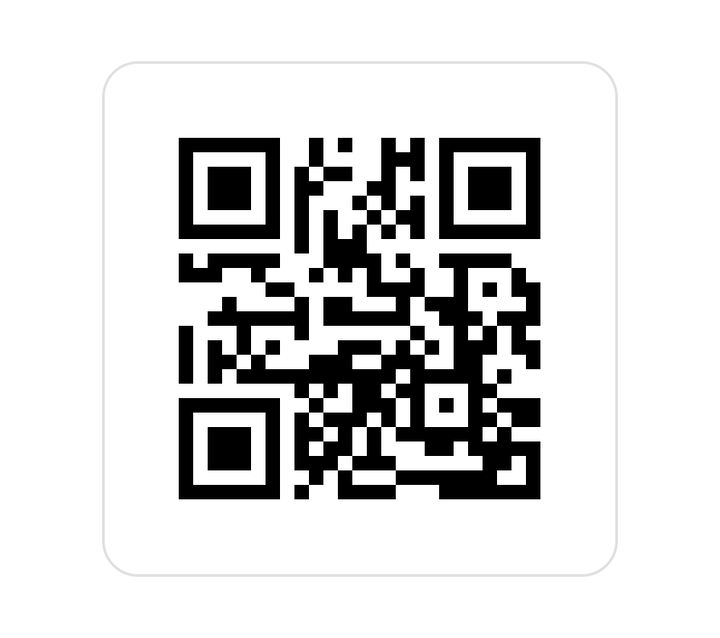
      <QRCode value="https://ui.delacour.co.nz" accessibilityLabel="Open the Delacour docs" />
    </View>
  );
}
Module styles
square merges runs into rectangles. rounded rounds only the corners with no dark neighbour, so
runs fuse into one shape. dots draws each module as a dot.
<QRCode value={url} moduleStyle="square" />
<QRCode value={url} moduleStyle="rounded" />
<QRCode value={url} moduleStyle="dots" />
The three finder patterns in the corners stay a ring and a core in every style. A finder made of dots is one a decoder cannot lock onto.
Error correction
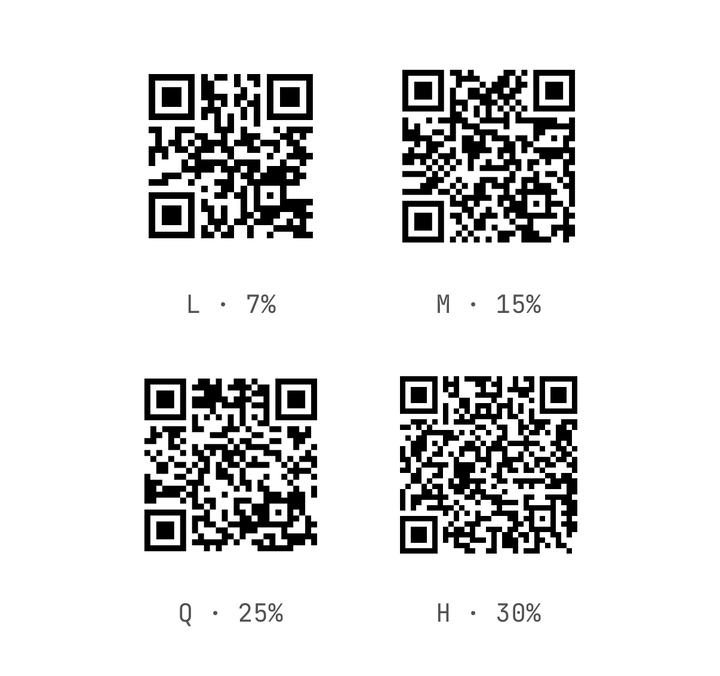
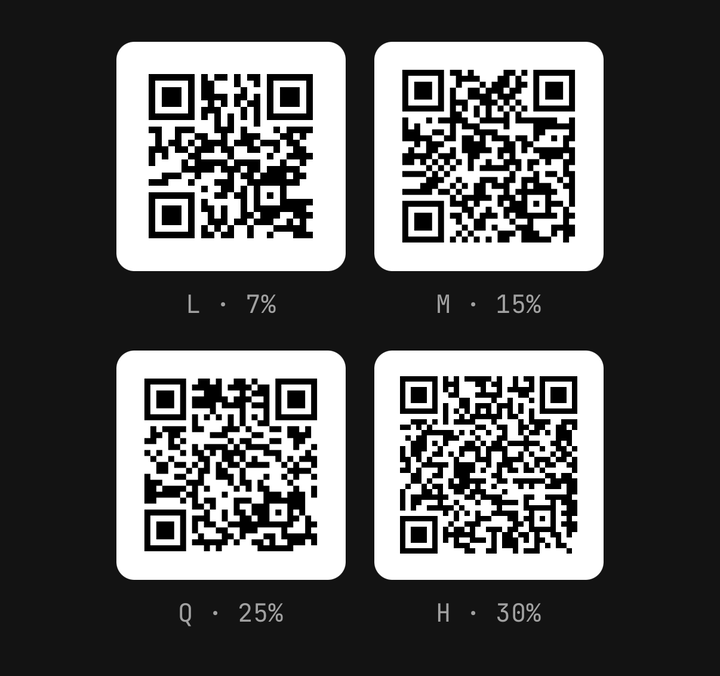
Each level survives more damage and pays for it in density. The default is M.
| Level | Recovers | Bytes at version 1 | Version 10 | Version 40 |
|---|---|---|---|---|
L | ~7% | 17 | 271 | 2 953 |
M | ~15% | 14 | 213 | 2 331 |
Q | ~25% | 11 | 151 | 1 663 |
H | ~30% | 7 | 119 | 1 273 |
<QRCode value={url} errorCorrection="Q" />Digits-only and upper-case values (0–9, A–Z, space and $%*+-./:) pack tighter than these byte
counts; anything else is encoded as UTF-8.
A logo in the middle
QRCode.Logo puts a mark on a plate cleared out of the centre. A logo is damage the code has to
correct, so its presence raises the level to H — a lower errorCorrection is overridden and
warns in development. logoSize is the share of the side the plate may take, from 0.1 to 0.3.
<QRCode value={url} moduleStyle="rounded" logoSize={0.24} accessibilityLabel="Open the menu">
  <QRCode.Logo>
    <Icon icon={IconStar} size={32} color="#000000" />
  </QRCode.Logo>
</QRCode>
To keep every block recoverable, the code may grow a version, then shrink the logo toward 0.1.
If even that is too much, the logo is dropped and a development warning says so — the code always
scans.
Colours
The tile is black on white in both themes, and does not follow the theme on purpose: a QR code is read by someone else's camera, and light modules on a dark tile fail a large share of scanners.
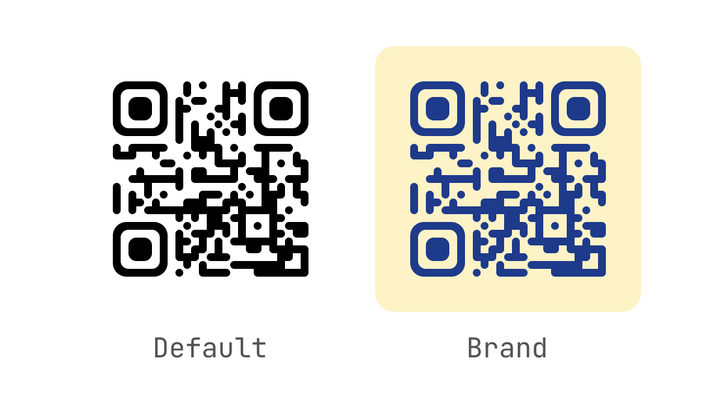
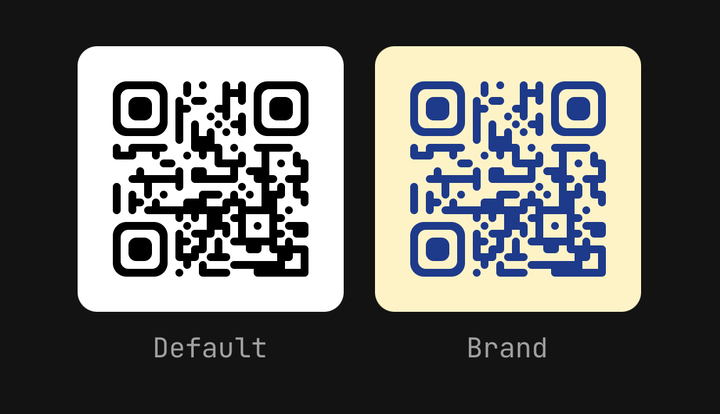
<QRCode value={url} color="#1e3a8a" backgroundColor="#fef3c7" />color and backgroundColor take a literal or a theme token. A pair that is inverted, or under
3:1 contrast, warns in development. Never invert a code.
Using the encoder directly
encodeQr is the pure encoder the component sits on. It returns a matrix any renderer can draw —
Skia, a printed label, a server.
import { encodeQr } from "@/components/ui/qr-code";

const result = encodeQr("https://ui.delacour.co.nz", { errorCorrection: "Q" });
if (result.ok) {
  const { size, modules } = result.matrix;
  const isDark = (row: number, col: number) => modules[row * size + col] === 1;
}
Inside a component, useQRCode(value, options) returns the same result, memoised. Encoding a
version-40 payload takes tens of milliseconds on the JS thread, so keep value stable rather than
building it inside a list row's render.
Errors
The component never throws. An empty value or one too long for any version calls onEncodeError
and renders an empty tile labelled "QR code unavailable".
<QRCode
  value={payload}
  onEncodeError={(error) => {
    if (error.kind === "too-long") setMessage(`${error.bytes} bytes; the limit is ${error.capacity}.`);
  }}
/>
Accessibility
The tile is an image to assistive technology. Its label is your accessibilityLabel, or
"QR code: " followed by the value cut at 60 characters. Say what the code is for — a URL means
nothing read aloud — and a development warning reminds you when you have not.
When the value is printed beside the code, as with a Wi-Fi password, pass isDecorative so a screen
reader reads it once rather than twice. The logo is always hidden from assistive technology.
Printing and size
size is the whole tile, quiet zone included: sm 128, md 192, lg 256 points, or any number.
Each module is snapped to a whole number of device pixels, so abutting runs never show a hairline
seam. Keep the quiet zone at its default of four modules — below two warns — and print a code no
smaller than 2 × 2 cm.
A QR code does not animate: motion mid-scan breaks the scan. Fade it in with opacity if you must, never with a scale or a transform.
API Reference
Anatomy
| Part | What it is |
|---|---|
QRCode | The tile — encodes the value and draws it as one path |
QRCode.Logo | A centred mark on a tile-coloured plate. Raises the level to H |
QRCode
Prop
Type
QRCode.Logo
Prop
Type
QrEncodeOptions
Prop
Type
QrMatrix
Prop
Type
QrEncodeError
Prop
Type