CircularText
Text set around a circle — a seal, a badge, an arc of words — optionally turning.
Installation
CircularText ships with the library — install it once, then import:
import { CircularText } from "@delacour/react-native-ui/circular-text";Or copy the source into your project, to own and edit it:
bunx delacour@latest add circular-textUsage
import { CircularText } from "@/components/ui/circular-text";
import { Icon } from "@/components/ui/icon";
import { IconStar } from "@/lib/icons/central";
import { View } from "react-native";

export default function Example() {
  return (
    <View className="flex-1 items-center justify-center p-4">
      <CircularText
        centerContent={<Icon icon={IconStar} size="xl" />}
        radius={72}
        repeat="fill"
        spin={{ kind: "loop" }}
      >
        DELACOUR UI
      </CircularText>
    </View>
  );
}
Spanning
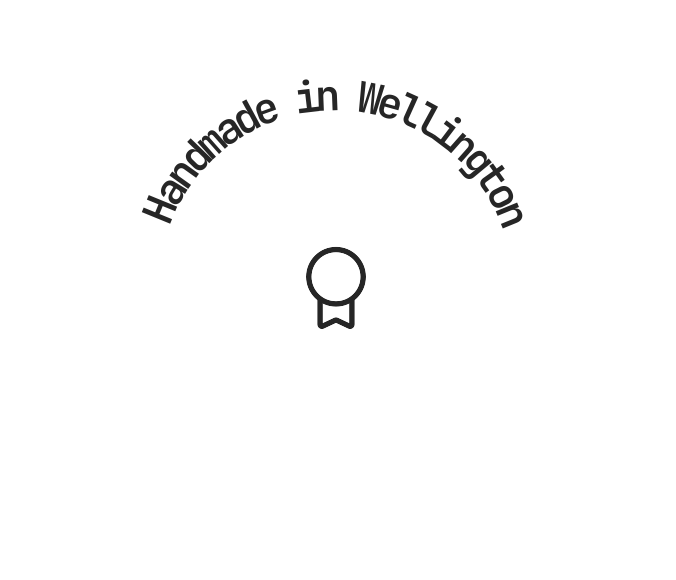
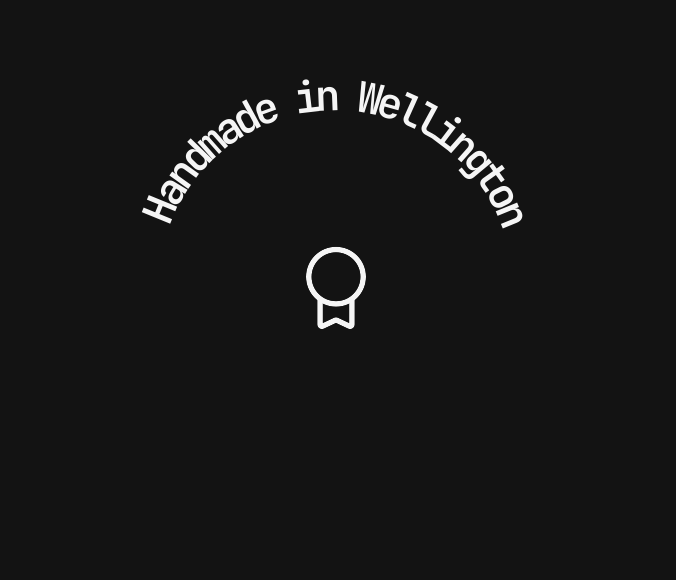
span decides how much of the circle the words cover.
span | What it does |
|---|---|
{ kind: "full" } | Spreads the text to close the ring exactly, whatever the font's metrics (default) |
{ kind: "arc", sweep, startAngle? } | Spreads it across sweep degrees, centred on the top unless startAngle says otherwise |
{ kind: "natural", startAngle? } | Lays it out at the font's own spacing; it may not close the ring |
<CircularText radius={64} size="sm" span={{ kind: "arc", sweep: 140 }}>
  Handmade in Wellington
</CircularText>
Direction and side
side points glyph tops away from the centre (outside) or toward it (inside); direction is
only the way a loop turns.
<CircularText radius={52} side="inside">TOP CONTRIBUTOR</CircularText>
<CircularText direction="counterclockwise" radius={52} spin={{ kind: "loop" }}>
  TOP CONTRIBUTOR
</CircularText>
Spinning
spin is none (default), loop at speed degrees per second, or controlled by a
SharedValue<number> your app drives from a scroll offset, a gesture or a slider.
<CircularText radius={72} spin={{ kind: "loop", speed: 24 }}>…</CircularText>
<CircularText radius={72} spin={{ kind: "controlled", rotation }}>…</CircularText>
Pausing
press eases the ring to a halt under a finger, controlled from your state; either resumes from
the same angle.
<CircularText pause={{ kind: "press" }} radius={72} spin={{ kind: "loop", speed: 48 }}>
  PRESS AND HOLD
</CircularText>
Content in the middle
centerContent stays upright, still and independently focusable while the ring turns.
<CircularText centerContent={<Avatar name="Aria Whitlock" size="xl" />} radius={52} repeat="fill">
  TOP CONTRIBUTOR
</CircularText>
Repeating a phrase
repeat writes children that many times with separator after each; "fill" estimates enough
copies to close the ring.
<CircularText radius={44} repeat="fill" separator=" · " spin={{ kind: "loop", speed: 60 }}>
  UPLOADING
</CircularText>
Recipes
Seal — a filled ring around an icon, turning slowly: repeat="fill", spin={{ kind: "loop" }},
an Icon as centerContent.
Two rings — pass one CircularText as another's centerContent, the inner one smaller,
direction="counterclockwise" and faster.
Badge — a muted ring around an Avatar, side="inside" for words along the bottom.
Loading ring — a Spinner in the middle and the action's name around it; the ring doubles as
the accessible label for the wait.
Reduced motion
Under reduce motion or isMotionCalm, a loop holds still at 0°; a controlled spin still follows
its value.
Accessibility
- A screen reader hears the words once, separators stripped —
"DELACOUR • UI • "is read "DELACOUR UI". PassaccessibilityLabelto say something else. - Keep ring text at 12pt or more and under about 28 characters per half circle.
SVG text does not grow with the system text size, because radius fixes the circle. Do not put
information only in the ring.
API Reference
CircularText
Accepts every View prop except children.
Prop
Type