Sketch
A finger-drawing surface with a pen, eight shapes, an eraser, colours, stroke width and undo, exported as SVG or PNG.
Installation
Sketch ships with the library — install it once, then import:
import { Sketch } from "@delacour/react-native-ui/sketch";Or copy the source into your project, to own and edit it:
bunx delacour@latest add sketchUsage
import { Button } from "@/components/ui/button";
import { Sketch, type SketchHandle } from "@/components/ui/sketch";
import { useRef } from "react";
import { View } from "react-native";

export default function Example() {
  const sketch = useRef<SketchHandle>(null);

  return (
    <View className="flex-1 gap-3 p-4">
      <Sketch className="flex-1" ref={sketch} />
      <Button onPress={() => console.log(sketch.current?.toSVG({ background: null }))}>
        <Button.Label>Done</Button.Label>
      </Button>
    </View>
  );
}
Tools and shapes
shapes chooses which of the eight shapes the toolbar offers; a shape is drawn by dragging.
<Sketch defaultTool="shape" defaultShape="arrow" shapes={["arrow", "rectangle", "ellipse"]} />Colours
colors takes theme tokens and literals; each mark keeps the colour it was drawn in, whatever the theme does next.
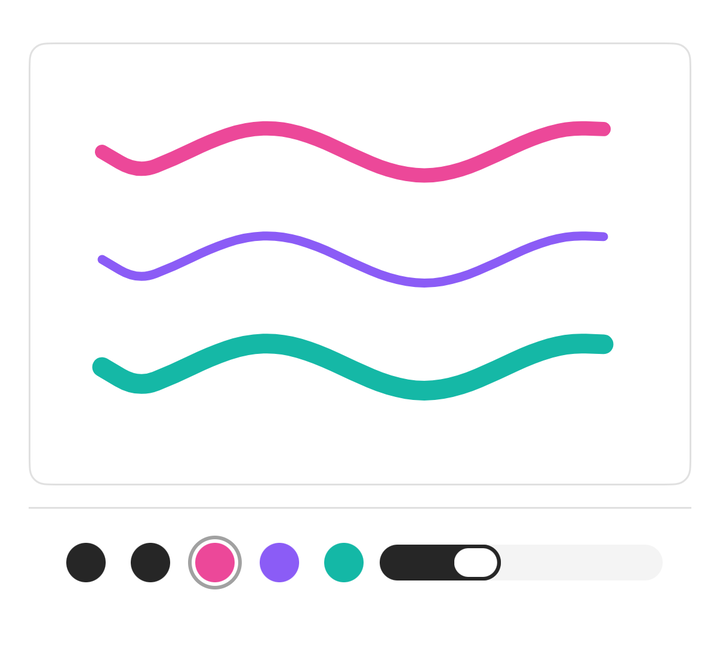
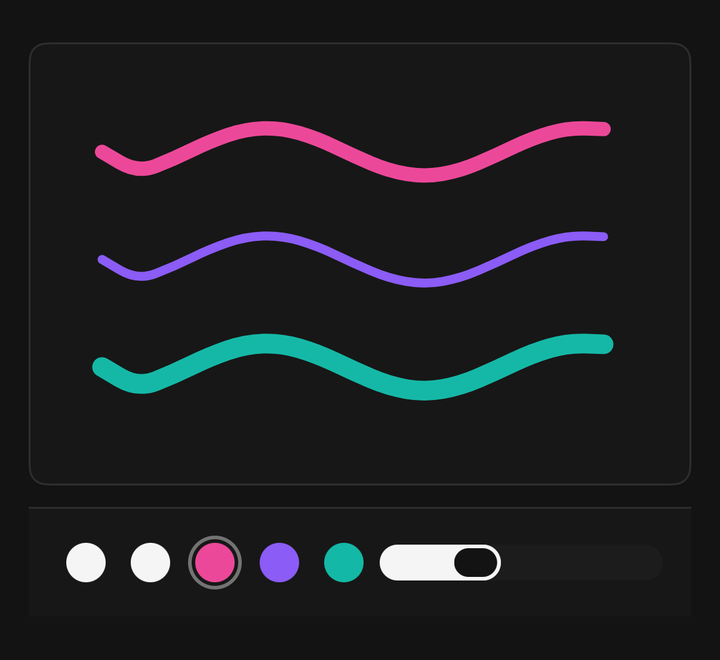
<Sketch colors={["foreground", "primary", "#ec4899", "#14b8a6"]} defaultColor="#ec4899" />Stroke width
size is the width in points, between minSize and maxSize. It applies to the next stroke only.
<Sketch defaultSize={8} minSize={2} maxSize={32} />Eraser
The eraser hides only ink drawn before it — a later stroke over the same spot is untouched, and undo brings erased ink back.
Undo and the handle
Sketch.Undo removes the last mark; the ref carries the same operations for buttons outside the sketch.
const sketch = useRef<SketchHandle>(null);

sketch.current?.undo();
sketch.current?.clear();
sketch.current?.isEmpty();
Exporting SVG
toSVG() returns a self-contained SVG on the theme's background — pass background: null for a transparent file; saving it is your app's job.
const svg = sketch.current?.toSVG({ background: null }) ?? "";Exporting PNG
toPNG() renders the marks off screen at the screen's pixel ratio and returns base64, with the same background option and a scale for the pixels per point.
const png = sketch.current?.toPNG({ scale: 2 }) ?? "";
const uri = `data:image/png;base64,${png}`;
Your own toolbar
Pass children to choose and order the parts yourself.
<Sketch className="flex-1">
  <Sketch.Canvas />
  <Sketch.Toolbar>
    <Sketch.Tool tool="pen" />
    <Sketch.Tool tool="shape" shape="arrow" />
    <Sketch.Tool tool="eraser" />
    <Sketch.Swatches />
    <Sketch.Undo />
  </Sketch.Toolbar>
</Sketch>
Annotating an image
Sketch.Canvas children are painted under the marks; either export holds only the marks.
<Sketch className="flex-1">
  <Sketch.Canvas>
    <Image className="absolute inset-0" resizeMode="contain" source={photo} />
  </Sketch.Canvas>
  <Sketch.Toolbar />
</Sketch>
Accessibility
The canvas reads as an image ("Drawing, 3 marks") with undo and clear actions.
Drawing by touch exploration is not supported. Where the drawing matters, offer screen-reader users another way to provide it.
API Reference
Anatomy
| Part | What it is |
|---|---|
Sketch | Owns the marks, the tool, the shape, the colour and the width, and the handle |
Sketch.Canvas | The drawing surface. Children are painted under the marks |
Sketch.Toolbar | The tool tray — every tool when it has no children |
Sketch.Tool | One tool: the pen, the eraser, or a shape |
Sketch.Swatches | The colour swatches, as a radio group |
Sketch.Size | The stroke-width slider |
Sketch.Undo | Removes the last mark |
Sketch
Prop
Type
Sketch.Tool
Prop
Type
Sketch.Swatches
Prop
Type
Sketch.Size
Prop
Type
SketchHandle
Prop
Type
SketchItem
Prop
Type