Direction
Sets left-to-right or right-to-left for a subtree, and tells gesture maths which way is start.
Installation
Direction ships with the library — install it once, then import:
import { Direction } from "@delacour/react-native-ui/direction";Or copy the source into your project, to own and edit it:
bunx delacour@latest add directionUsage
import { Direction } from "@/components/ui/direction";
import { Text } from "@/components/ui/text";
import { View } from "react-native";

export default function Example() {
  return (
    <Direction dir="rtl" className="flex-1">
      <View className="flex-row gap-2 p-4">
        <Text.Label>One</Text.Label>
        <Text.Label>Two</Text.Label>
        <Text.Label>Three</Text.Label>
      </View>
    </Direction>
  );
}
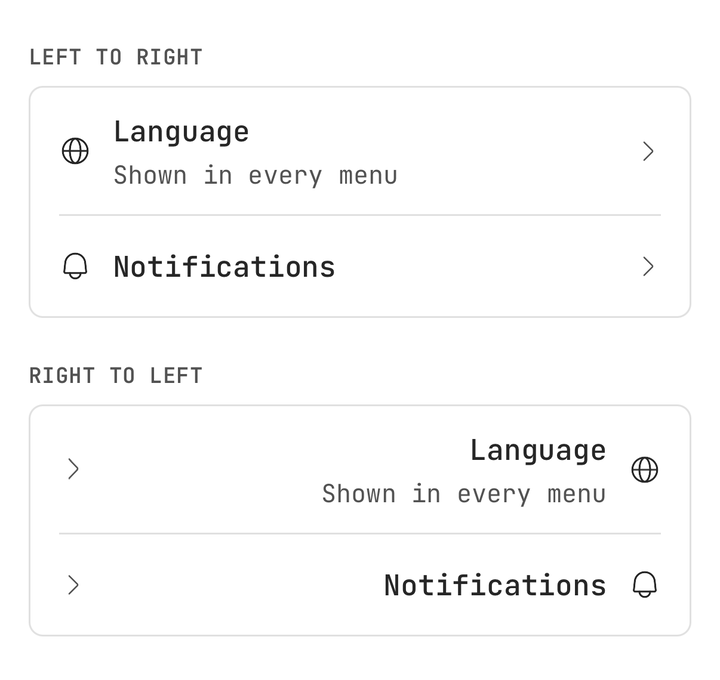
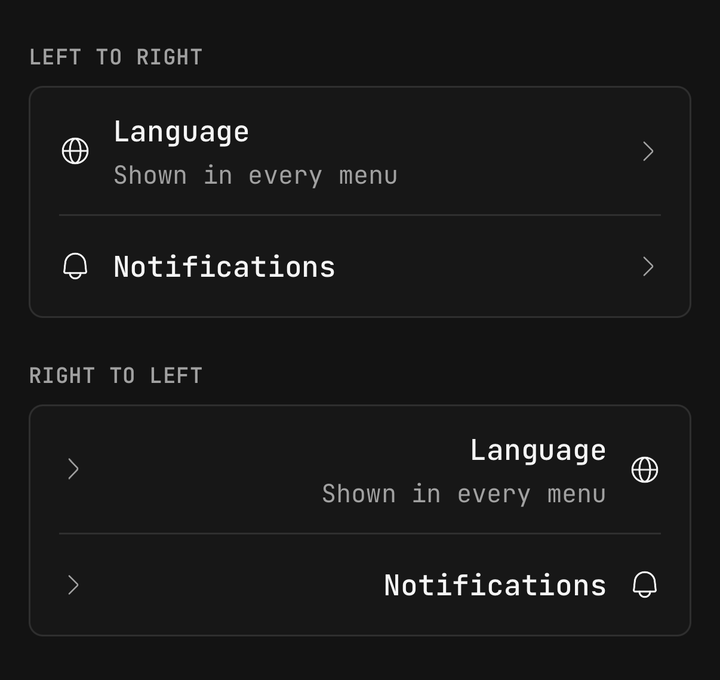
Mirrored rows
Rows reverse and start/end insets swap with nothing changed in the rows themselves.
<Direction dir="rtl">
  <ListGroup>
    <ListGroup.Item>…</ListGroup.Item>
  </ListGroup>
</Direction>
Changing at runtime
dir is an ordinary prop, so flipping it relayouts on the next frame with no remount or restart.
const [dir, setDir] = useState<DirectionValue>("ltr");
<Direction dir={dir}>…</Direction>
Whole app vs one section
I18nManager.forceRTL sets the app's locale after a restart; Direction overrides one subtree live, and follows I18nManager when dir is omitted.
<DelacourProvider>
  <Direction dir={locale.isRTL ? "rtl" : "ltr"} className="flex-1">
    <App />
  </Direction>
</DelacourProvider>
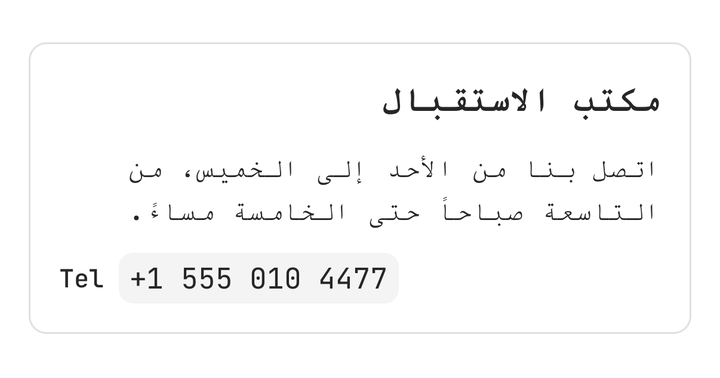
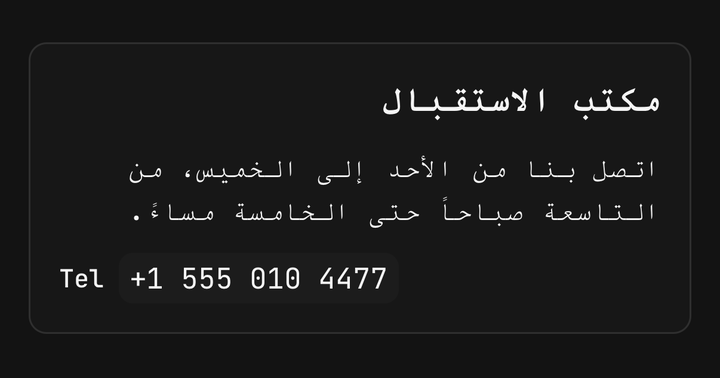
Nesting
An inner Direction overrides the outer one for its own subtree, so a phone number keeps its order inside right-to-left copy.
<Direction dir="rtl">
  <Text.Header className="text-left">مكتب الاستقبال</Text.Header>
  <Direction dir="ltr">
    <View className="flex-row gap-2">
      <Text.Label>Tel</Text.Label>
      <Text.Code>+1 555 010 4477</Text.Code>
    </View>
  </Direction>
</Direction>
Text alignment
Unset alignment follows the app's locale; inside a Direction, React Native reads text-left as the start edge and text-right as the end, so set it.
<Text.Paragraph className="text-left">…</Text.Paragraph>Uniwind variants
rtl: and ltr: resolve against the nearest Direction, not the app.
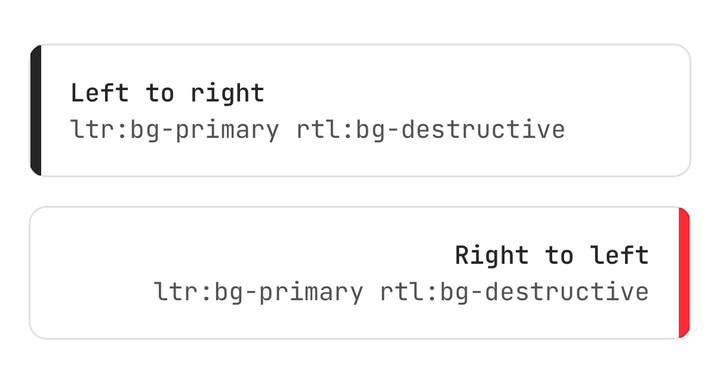
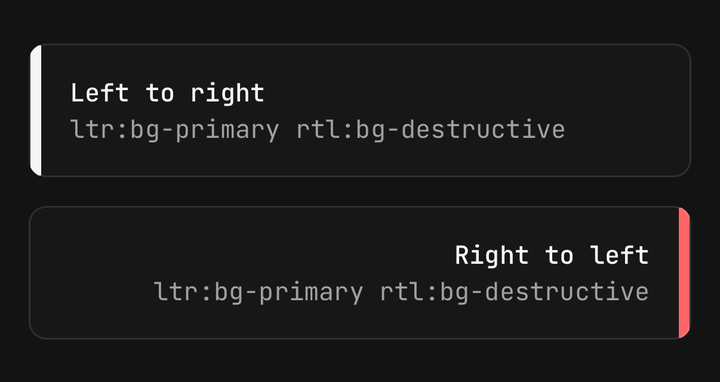
<View className="ltr:bg-primary rtl:bg-destructive" />
<Icon icon={IconChevronRight} className="rtl:-scale-x-100" />
Reading the direction
useDirectionSign() is 1 in LTR and -1 in RTL — multiply a translateX or a gesture delta by it, since those do not flip on their own.
const sign = useDirectionSign();
const style = useAnimatedStyle(() => ({
  transform: [{ translateX: progress.value * travel * sign }],
}));
What it does not do
It does not translate, format numbers or dates, or reach content portalled out of the tree — wrap a sheet's content in its own Direction.
const { dir } = useDirection();
<BottomSheet.Content>
  <Direction dir={dir}>…</Direction>
</BottomSheet.Content>
API Reference
DirectionProps
Prop
Type
useDirection()
Never throws; outside any Direction it reads I18nManager.isRTL.
Prop
Type
Helpers
Pure and tagged "worklet", so they run on either thread.
Prop
Type