Leaderboard
Ranked people or teams with ties, the top three on a podium, and the highlighted entry pinned below the cut.
Installation
Leaderboard ships with the library — install it once, then import:
import { Leaderboard } from "@delacour/react-native-ui/leaderboard";Or copy the source into your project, to own and edit it:
bunx delacour@latest add leaderboardUsage
import { Leaderboard, type LeaderboardEntry } from "@/components/ui/leaderboard";
import { View } from "react-native";

const ENTRIES: readonly LeaderboardEntry[] = [
  { id: "aria", name: "Aria", value: 980 },
  { id: "ngaio", name: "Ngaio", value: 1240 },
  { id: "mihi", name: "Mihi", value: 1105 },
  { id: "rawiri", name: "Rawiri", value: 860 },
  { id: "lena", name: "Lena", value: 815 },
];

export default function Example() {
  return (
    <View className="flex-1 justify-center p-4">
      <Leaderboard data={ENTRIES} highlightId="rawiri" unit="points" />
    </View>
  );
}
Ranking and ties
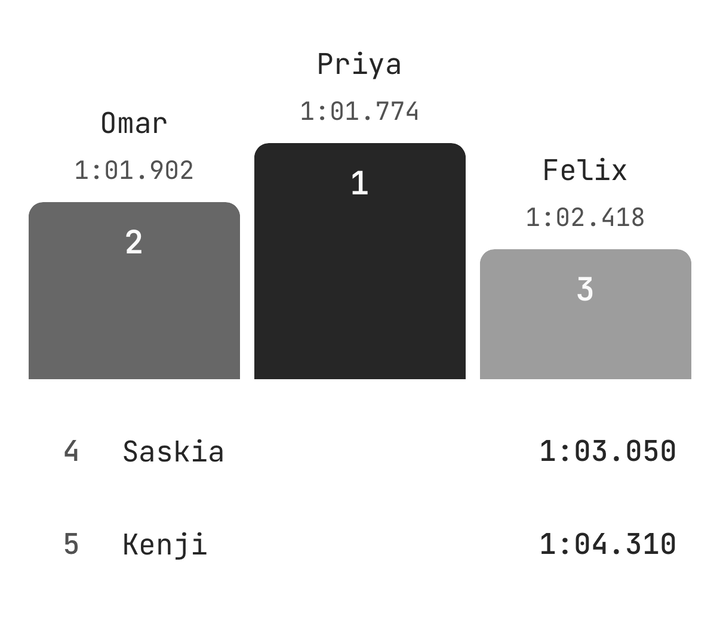
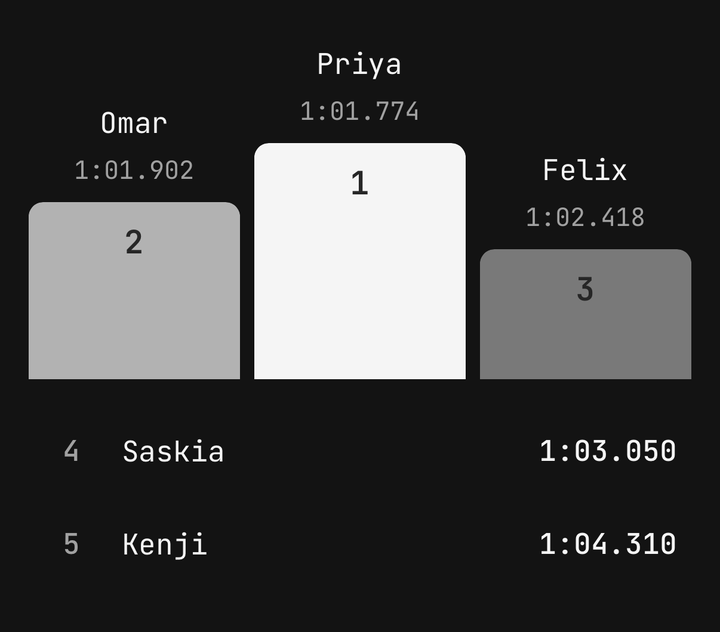
Pass entries in any order: the board sorts them stably and ranks them 1, 2, 2, 4, with tied entries kept in the order given.
<Leaderboard data={entries} unit="points" />
<Leaderboard data={laps} formatValue={formatLapTime} order="asc" unit="seconds" />
Podium
bars grow on mount, third to first; cards lift the leader. Both need three entries on show, and fall back to rows without them.
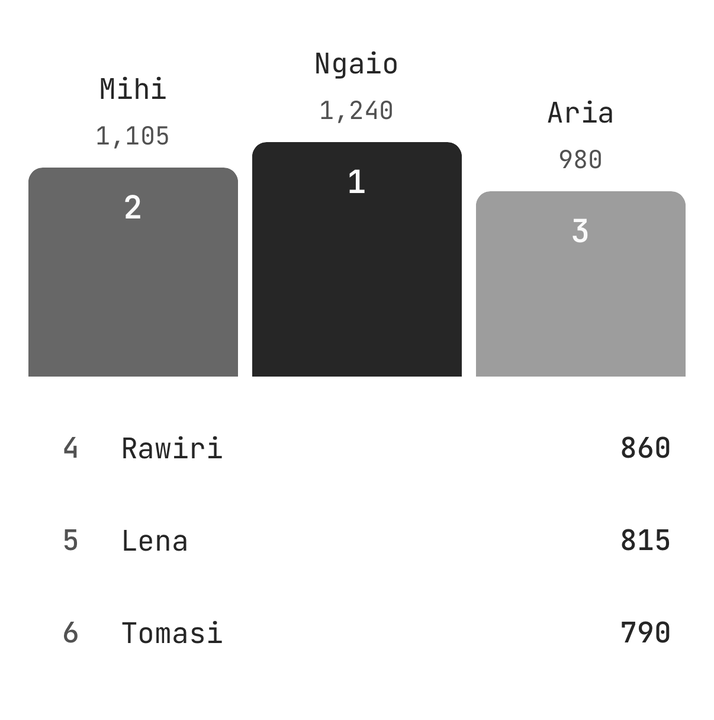
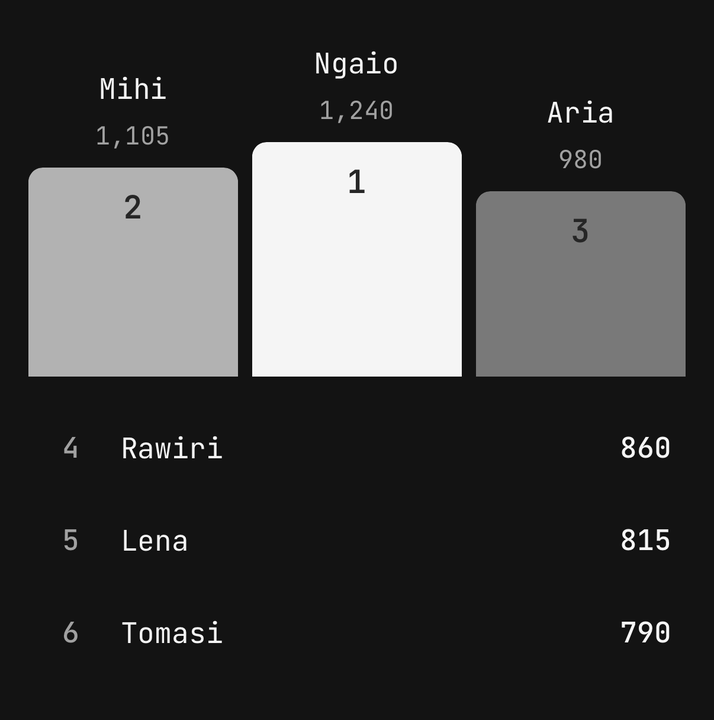
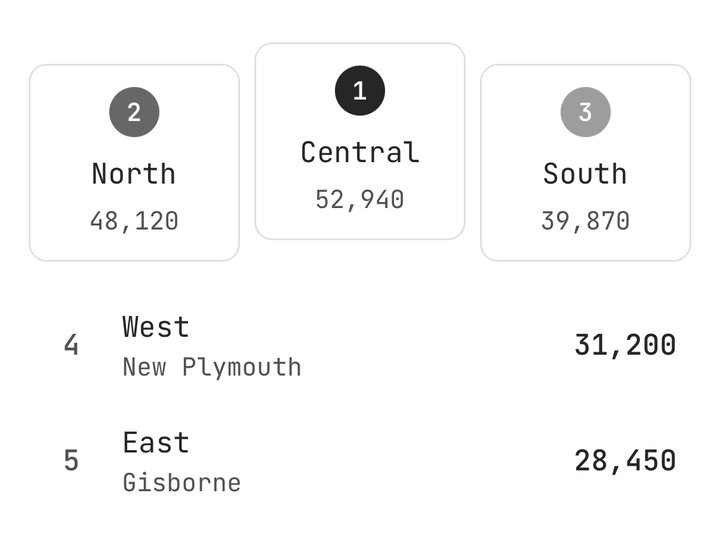
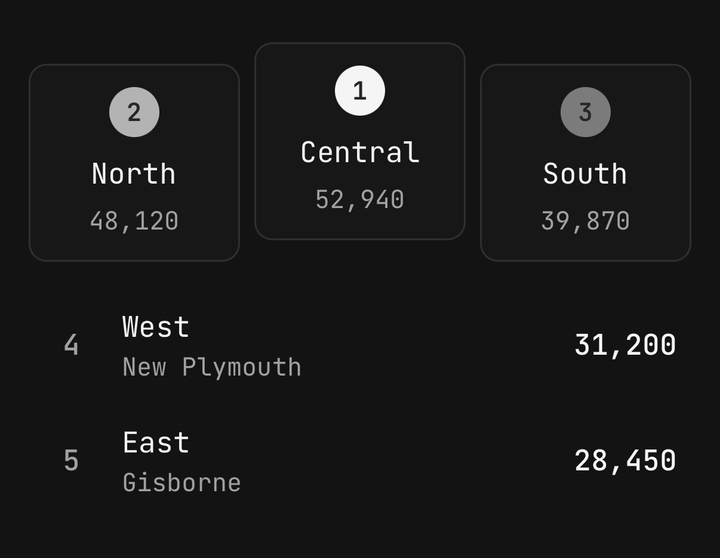
<Leaderboard data={entries} podium="bars" />
<Leaderboard data={entries} podium="cards" />
<Leaderboard data={entries} podium="none" />
Podium scale
value sizes each bar to its score, floored at 35% of podiumHeight; rank fixes them at 100, 75 and 55%, and order="asc" always uses it.
<Leaderboard data={entries} podiumHeight={160} podiumScale="rank" />Limit and pinning
limit cuts the board, and a highlighted entry below the cut is pinned after a gap with its true rank.
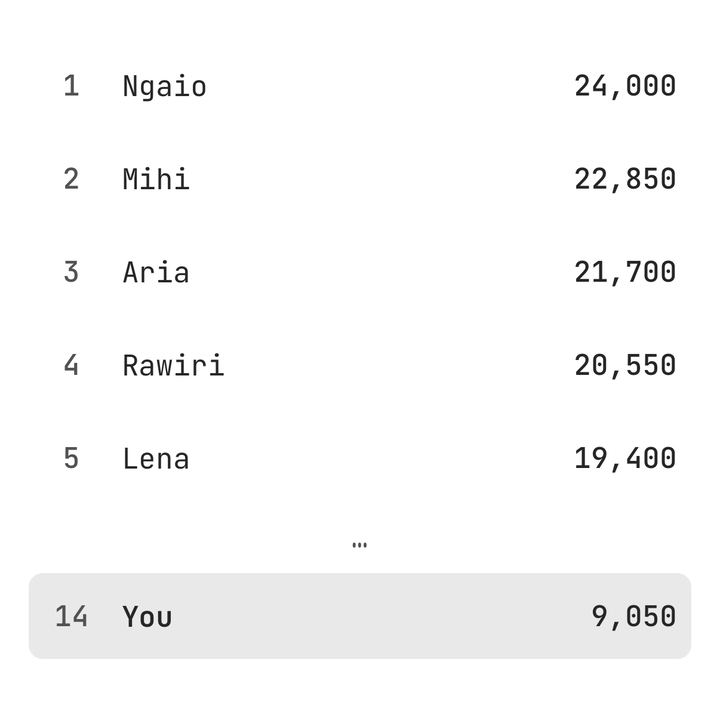
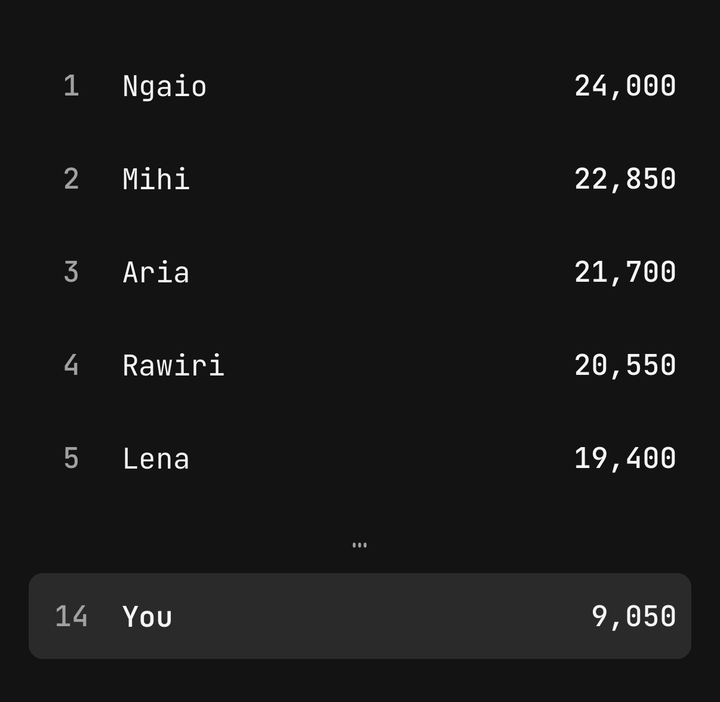
<Leaderboard data={entries} highlightId={me} limit={5} unit="points" />Movement
An entry's change draws ▲ or ▼ with the places moved, or a dash for none; the column only appears when some entry has one.
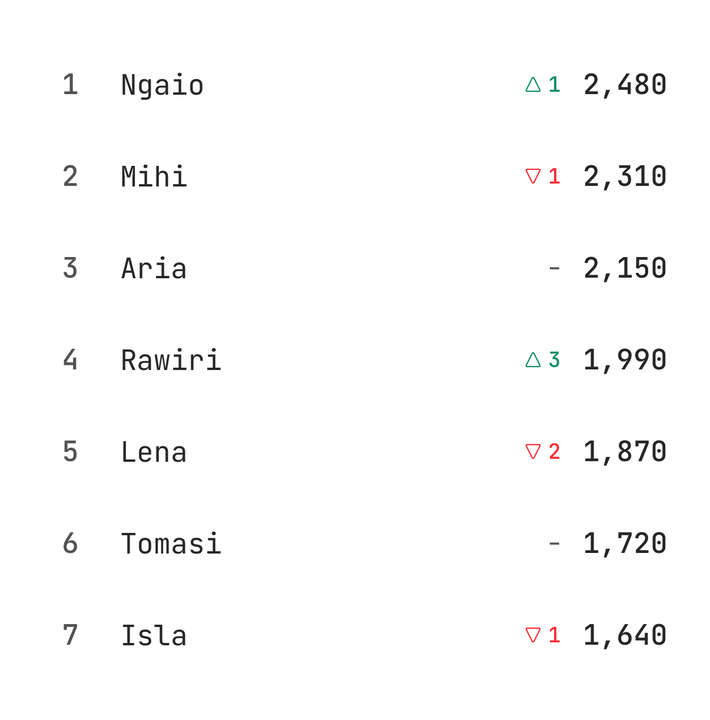
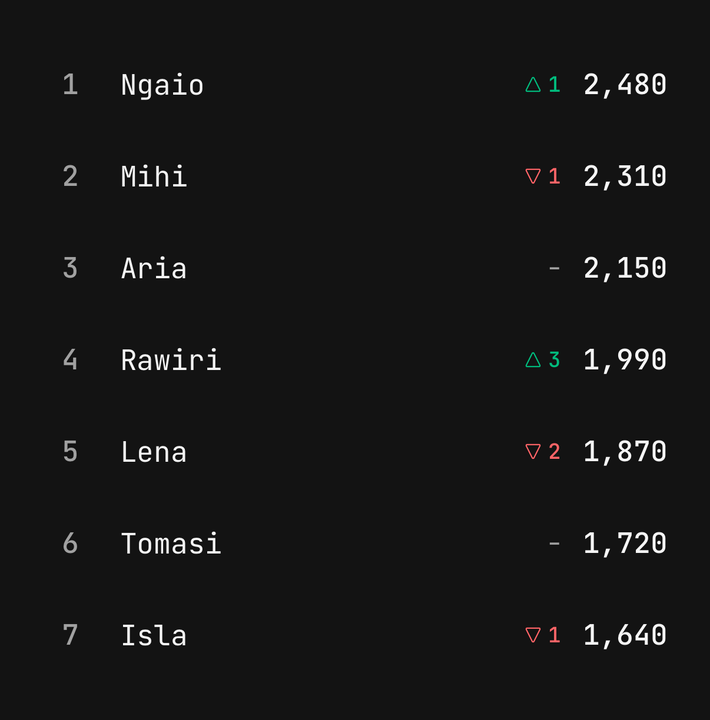
<Leaderboard data={[{ id: "a", name: "Ngaio", value: 1240, change: 3 }]} unit="points" />Custom media
renderMedia puts an avatar or a flag beside each name, on the podium and in the rows.
<Leaderboard data={entries} renderMedia={(entry) => <Avatar name={entry.name} size="sm" />} />Pressable
onPressEntry makes every place a button, with a selection haptic.
<Leaderboard data={entries} onPressEntry={(entry, rank) => open(entry.id, rank)} />Accessibility
Each place and row is one element read as one sentence — "Rank 2, tied, Ngaio, 1,240 points, up 3 places" — so pass unit.
<Leaderboard data={entries} unit="steps" />API Reference
Leaderboard
Extends ViewProps, without children.
Prop
Type
LeaderboardEntry
Prop
Type